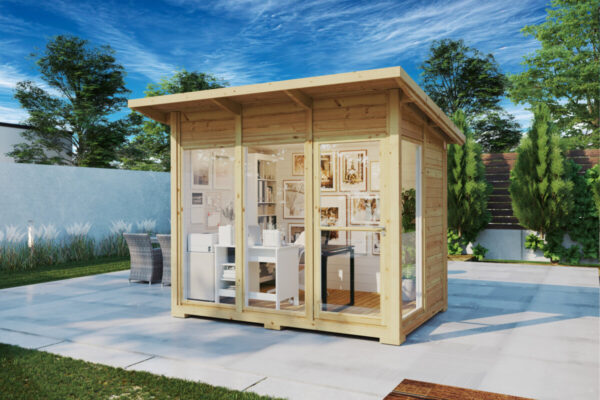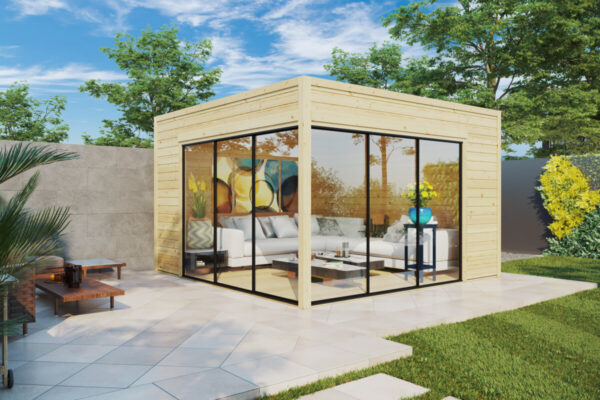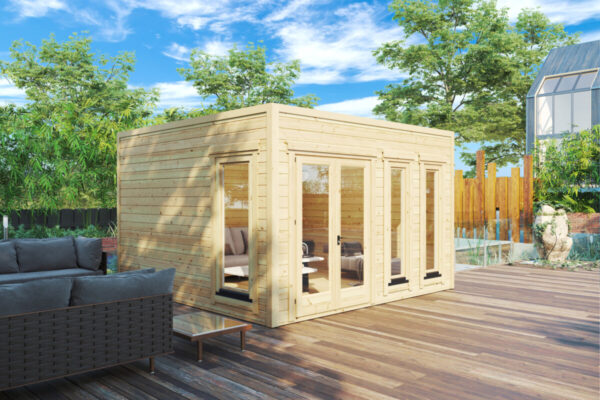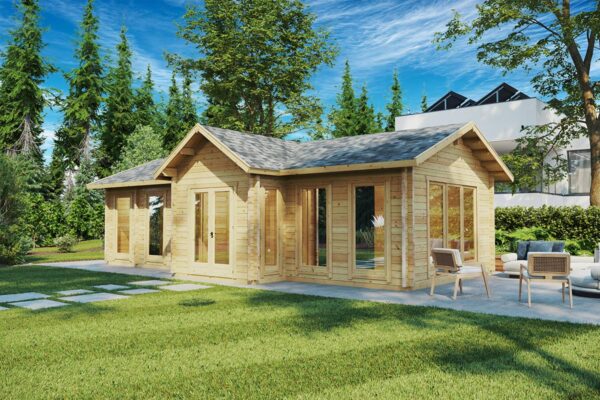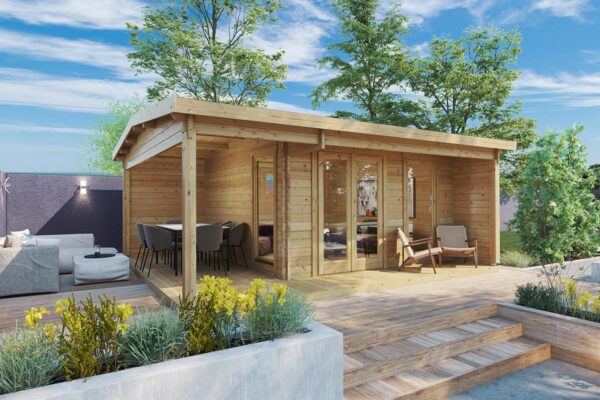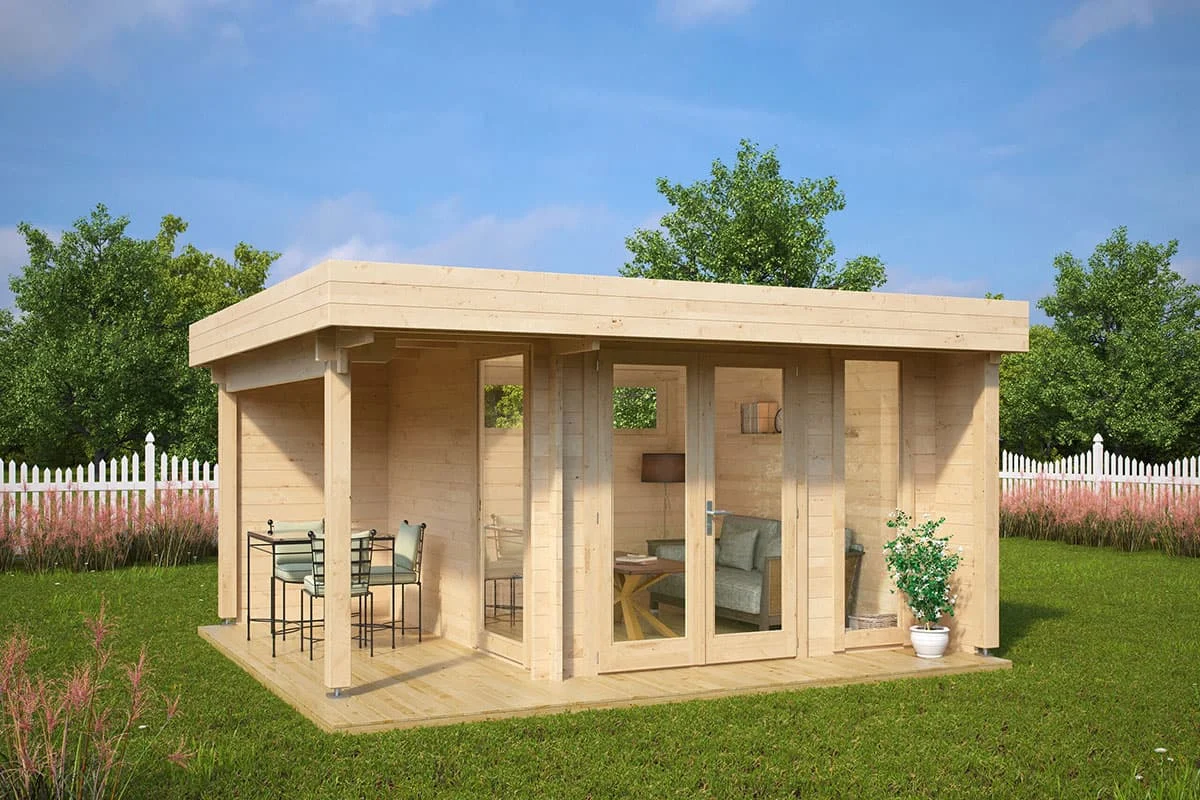
Trading the kitchen table for a dedicated garden office is one of the best upgrades any remote worker or professional can make. A purpose-built garden room offers the privacy, quiet, and clear boundary between work and home life that remote professionals need. However, that productive atmosphere quickly falls apart when your internet connection stutters, drops out, or stalls during a critical video call.
Distance from the main house, exterior masonry, solid timber walls, and energy-efficient double glazing all take a heavy toll on wireless signals. The further down the garden your workspace sits, the weaker that connection becomes. This guide outlines the most effective ways to run reliable, high-speed internet to your garden office—from simple router tweaks to mesh networks, wireless bridges, and hardwired cabling.
Before spending money on new networking gear, take a look at your current router setup and wireless coverage. A few basic adjustments to router placement or channel settings can often push your signal significantly further into the garden.
Tucking your router away in a cupboard, behind the TV, or in a far corner of the house severely limits its range. To give the signal the best chance of reaching the garden, position your router high up in an open space, ideally on the side of the house that faces your garden office. Keep it well clear of large metal appliances and dense brick, stone, or concrete walls, which absorb and reflect radio waves.
Modern wireless routers broadcast across two main frequency bands:
Log in to your router’s administrative settings to see which channels are active. In built-up areas, manually switching to an uncongested channel on the 2.4 GHz band can reduce interference from surrounding properties and yield a noticeably more stable connection.
Before running cables or mounting hardware, test your existing signal. Take your laptop or phone out to the exact spot where your desk will sit, and test both the signal strength and stability on the 2.4 GHz and 5 GHz networks. Establishing this baseline will tell you whether a wireless solution will do the job or if a dedicated physical cable is unavoidable.
Explore our range of insulated wooden garden buildings with double-glazed windows, designed for comfortable year-round remote work. We deliver high-grade timber structures directly from the factory with free delivery.
5-year warranty, manufactured directly from premium Nordic spruce.
If simple router tweaks cannot deliver the bandwidth your daily workload requires, here are six proven methods for getting a solid internet connection to your outdoor workspace.
A Wi-Fi booster or range extender captures the wireless signal from your main router and rebroadcasts it. This is an affordable, plug-and-play solution best suited for garden offices sitting within 15 to 20 metres of the house, provided there are few obstructions along the way.
Placement is critical. The extender should sit roughly halfway between your main router and the garden room, in an area where the router’s signal is still strong. Placing an extender where coverage is already patchy will simply rebroadcast a weak, unreliable connection.
Keep in mind that standard single-band extenders often halve your available bandwidth because they use the same channel to receive and transmit data simultaneously. As a result, they are rarely ideal for data-heavy tasks like large file transfers or regular HD video conferences.
Mesh Wi-Fi systems are a considerable step up from traditional extenders. Instead of creating a second, weaker network, mesh systems use multiple nodes that operate under a single network name (SSID). As you move between the house and the garden office, your laptop or phone seamlessly roams to the nearest node without dropping the connection.
To maximise outdoor reach, place one node near a rear window facing the garden and another inside the garden room itself. If the building is within reasonable distance, this setup provides reliable speeds with minimal latency.
Many modern mesh systems also feature Ethernet backhaul, allowing you to link the nodes via a physical cable. This frees up the entire wireless band strictly for communicating with your devices, preserving maximum throughput.
When you need an rock-solid, enterprise-grade connection that is completely unaffected by bad weather or physical obstacles, a hardwired cable is unmatched. Running a physical line is the gold standard for anyone looking to build a budget-friendly garden office that remains fully functional in all seasons.
If you opt for outdoor-rated Category 6 (Cat6) copper cabling (Outside Plant / OSP), keep these technical best practices in mind:
Alternatively, running single-mode optical fibre or plastic optical fibre (POF) removes electrical interference and lightning hazards entirely. Because fibre cables transmit pulses of light rather than electricity, they require no surge arrestors between buildings and can cover much longer distances with zero signal degradation.
If your garden office is located far down a large garden or digging a trench across a patio or lawn is out of the question, an outdoor point-to-point (PtP) wireless bridge is the next best choice.
These setups rely on directional, high-gain antennas housed in weatherproof, UV-resistant enclosures. One unit mounts on the exterior wall or roofline of your home, aiming a focused wireless beam directly at a matching receiver on the garden office.
For the best results, ensure an unobstructed line of sight between the two units. At least 60% of the first Fresnel zone (the football-shaped radio beam between the antennas) should be completely free of trees, roofs, and other barriers. Ensure all outdoor hardware is correctly earthed to safeguard connected equipment against static discharge.
Powerline adapters route network data through your home’s existing electrical circuits. The kit includes two plugs: one plugs into an outlet near your main router and connects via an Ethernet lead, while the other goes into a wall socket in the garden office to provide a wired or Wi-Fi access point.
Powerline is quick and mess-free because it requires no drilling or trenching. However, real-world performance hinges entirely on how your property is wired:
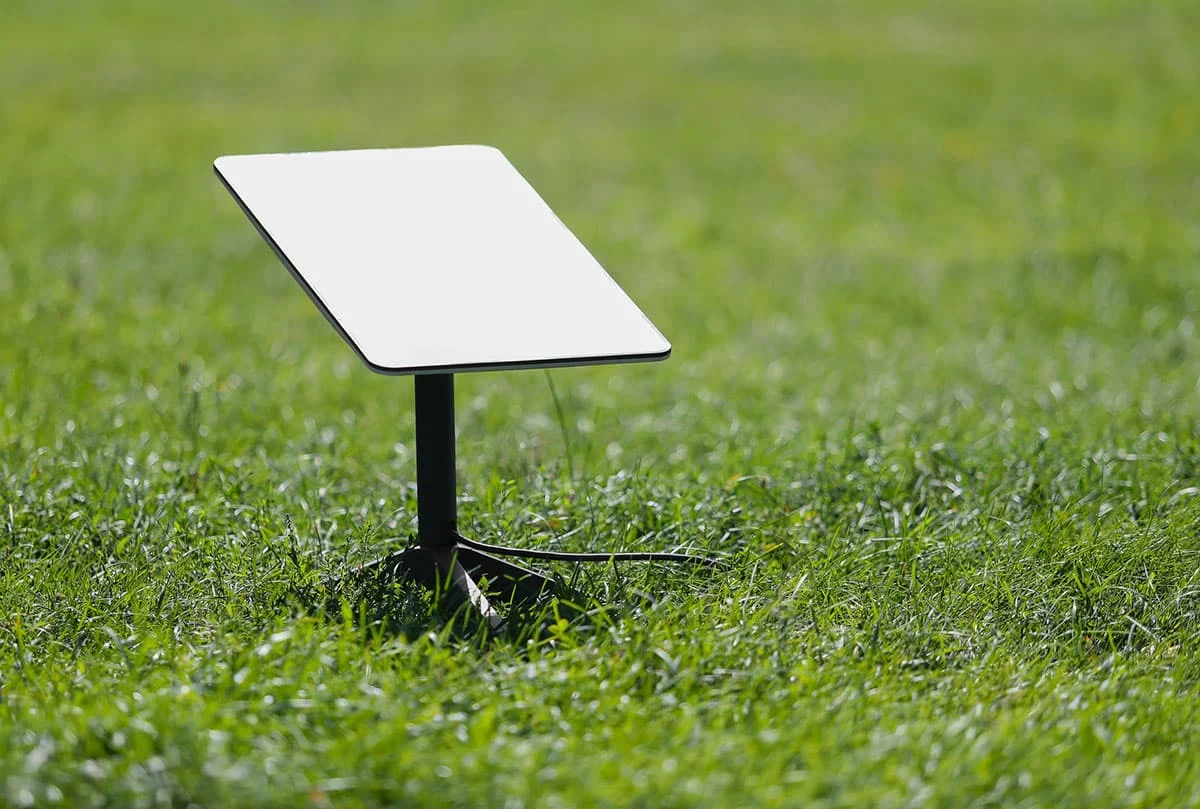
For rural homes and remote properties where standard fixed-line broadband or fibre is either sluggish or unavailable, low-Earth-orbit (LEO) satellite systems like Starlink offer an independent, high-speed alternative.
Unlike older geostationary satellite broadband, low-orbit constellations deliver fast download rates and low latency, making them perfectly capable of handling video calls and cloud-based applications. The dish needs an unobstructed view of the sky—clear of trees and overhangs—and connects straight into your garden office using its dedicated power and base unit.
To pinpoint the right networking approach for your outbuilding, weigh these practical factors:
Our medium garden rooms and timber cabins provide the robust wall profiles and insulation needed for a comfortable, professional workspace. Discover versatile models designed for straightforward electrical and data installations.
🏠 Explore medium garden cabins
Rated 5 stars on Trustpilot with over 20 years of manufacturing experience.
Once your internet connection is sorted, laying out your workspace properly will ensure long-term comfort and productivity. Set up your desk so that natural window light comes from the side to avoid screen glare. For layout inspiration and design ideas, check out our guide on garden office decor ideas.
If you are planning to install a garden room and need expert advice on choosing the right model for your work setup, reach out to our team via our contact page for tailored guidance.
Investing in the right network setup transforms your garden building into an efficient, professional workspace—pairing the calm of an outdoor setting with the speed and dependability of a modern office.
The standard limit for Cat5e or Cat6 copper Ethernet is 100 metres in total. This includes a maximum permanent run of 90 metres (underground or through walls) plus up to 10 metres of combined patch leads at both ends. For distances beyond 100 metres, fibre optic cabling is the recommended choice.
No. To comply with electrical safety standards and prevent electromagnetic interference from degrading your internet speed, data cables must run through their own dedicated conduit, separated from mains electrical wiring by at least 300 mm.
While solid timber causes only moderate signal loss, modern foil-backed PIR insulation boards, radiant vapour barriers, and double-glazed low-emissivity (low-E) glass heavily reflect and block radio waves. If your garden building is well-insulated, the most reliable approach is to bring an Ethernet or fibre line inside and connect it to a dedicated interior access point.